Gamification in education is a rising trend, and I am excited about it. The global gamification market is expected to exceed $60 billion by 2026, reflecting the growing adoption of game-based learning in educational institutions worldwide. Given this significant rise, I decided to explore some business games that teachers could use to teach the next generation of entrepreneurs and investors. And I found some pretty great finds.
Last updated: June 2026. Educational gaming has evolved dramatically, with new platforms and improved mechanics making business simulations more engaging and accessible than ever. In 2026, educators are leveraging these tools to develop critical entrepreneurial thinking skills in students across all levels.
These business games provide an excellent way for students to learn business skills. Students can engage in activities like managing virtual companies and participating in simulated stock trading.
Further, by offering a risk-free environment, these games can facilitate the development of students’ entrepreneurial mindset and financial acumen. In 2026, research shows that gamified learning has become mainstream, with 75%+ of educational institutions incorporating game-based elements into their curricula.
And I can’t forget to mention that there are plenty of stats citing their impact:
- Challenge-based gamification in education leads to an increase of 34.75% in student performance (Source).
- Furthermore, students who were educated with challenge-based gamification performed better by up to 89.45% compared to those who only received lectures (Source).
- 67% of students found gamified learning more motivating and engaging than traditional courses (Source). In 2026, this number has risen to over 80%.
So, what are you waiting for? Below are some of the games that I found while researching. From simulation to stock traders to card games, there are plenty of interesting games to discover. Explore options like the best business games for students and see which might work best for your classroom.
Are you more interested in entrepreneurial games? Check out our list of great entrepreneurship games.
How I sourced the games
I wanted games that teach real business thinking: spotting opportunities, pitching ideas, dealing with trade-offs, and reading numbers under pressure. I did not need flashy tech. I needed activities that click in 45 minutes, work with mixed ages, and survive a rainy Tuesday.
My research rabbit hole got deep fast. Some games looked fun but taught little. Others taught well but took three hours to set up. Prices swung from free to let-me-check-the-budget.
What I kept seeing from classrooms that actually got results: short rounds, clear roles, quick feedback, and a debrief that ties choices to real money. The best teachers used games as prompts, not replacements for instruction.
You do not need the most complex simulation to teach business sense. A deck of smart prompts or a clean mobile game can spark sharper thinking than a bulky platform.
This guide pulls together what my team and I found, what teachers keep reusing, and where each option shines. I do not accept sponsorship for these picks, and I try to be blunt about trade-offs.
If you want a quick snapshot before you dig in, here is the comparison table I wish I had on day one.
10 classroom business games and activities you should try today
Scroll for my detailed take on each option, including where I landed personally and which free picks I suggest for beginners.
What is a classroom business game?
A classroom business game is a learning tool—often a simulation, board game, or card activity—designed to teach core business concepts through play. The main goal is to let students make decisions, see outcomes, and learn from quick feedback.
“Tell me and I forget; involve me and I learn.” That old line fits here. Games give students ownership. They do the thinking, not just the note-taking, and that sticks when money and trade-offs enter the picture.
Think of it like practice reps. A 30-minute pricing game can produce more “a-ha” moments about demand than a full chapter. One solid session often equals the clarity of a week of lectures for many students.
At their core, these tools help teachers and coaches run short, structured experiences where players choose strategies, use limited resources, react to events, and then debrief to connect choices with real business results.
Many teachers pair games with quick slide mini-lessons, exit tickets, or reflection journals. Some add simple spreadsheets, pitch rubrics, or class leaderboards to extend learning after the game ends.
Not every game fits every class, though, so it pays to evaluate options with your students and time constraints in mind.
How to choose the best classroom business game
Choosing can feel like picking a new textbook on a short lunch break. There are many options, each promising engagement, and you still have grading to finish.
I wrote this guide to help you match games to your students, your schedule, and your budget. If your class periods are 42 minutes, I kept that in mind. If you have mixed grades, I flagged it.
Most lists in this space are posted by the companies themselves or media sites packed with sponsored placements. I am not sponsored by any platform on this list. This is my clean, honest view based on research and what I would use in real classrooms.
Here are some questions you should ask when looking for a game:
- What is the free tier or sample access, and how usable is it?
- Can I teach the rules and start play inside one class period?
- Does it scale from 10 to 30+ students without chaos?
- How does cost change per class, per student, or per year?
- Do features teach the outcomes I care about this week?
- What dashboards, reports, or logs help my debrief?
- How hard is it to switch if the tool does not fit?
- Is it reliable on school networks and shared devices?
- Does it need accounts, parental consent, or special installs?
It is a lot, I know. My ranked picks below target quick setup, clear learning outcomes, and fair pricing so you can move fast and still teach well.
Okay, enough of me rambling, let us get into the list.
10 best classroom business games in 2026
Here are my top picks for the best classroom business games:
- Products: The Card Game
- Venture Valley
- The Stock Market Game
- Marketplace Simulations
- GoVenture
- SimCompanies
- Lemonade Stand (Coolmath Games)
- IndustryMasters
- Harvard Business Publishing Simulations
- CASHFLOW Board Game
- Monopoly (Classroom Adapted)
Let us see which one is right for you.
1. Products: The Card Game by skypig
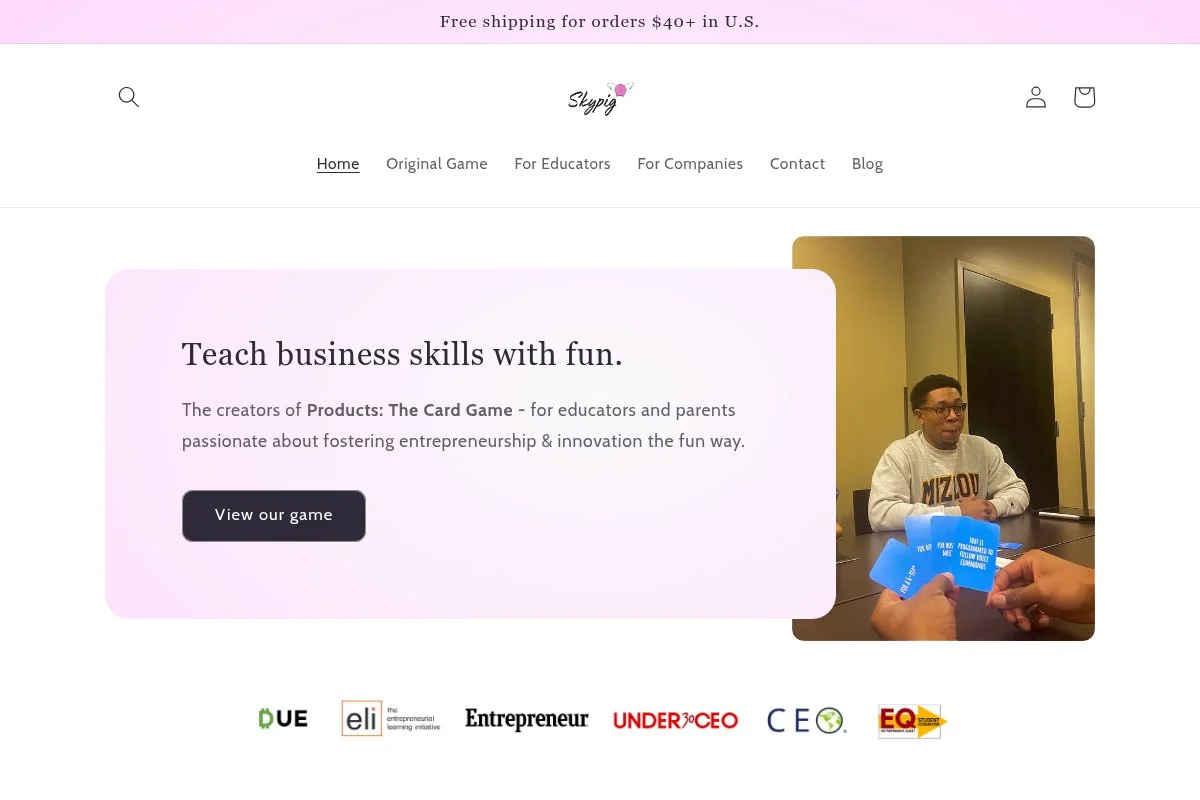
Product: The Card Game is a quick, high-energy entrepreneurship card game built around pitching ideas on the fly. It has been named the #1 entrepreneurship game by Entrepreneur, The Globe and Mail, and Nasdaq. That kind of recognition tells me it works well in real classrooms and events.
You can start immediately with the Standard Edition, or step up to the Educator’s Edition if you want lesson plans and classroom extras. The gameplay is simple: an investor draws a Product card, players pair it with a Feature card, then pitch their combined invention in 60 seconds.
Recent versions have tightened the pacing and made facilitator guidance clearer, which helps new teachers run it without overthinking. What I like most is how the rounds keep attention while rewarding clear, student voice.
Educator’s Edition upgrades bring classroom activities, lesson plans, and supplementary resources designed to integrate entrepreneurship into almost any curriculum. Those extras save planning time and make grading easier.
I use The Card Game for warm-ups before longer projects or pitch days. It is quick to teach, noisy in the best way, and perfect for getting even shy students talking.
Because it is physical and low-tech, it avoids login issues and device gaps. The trade-off is less data tracking, but the speaking practice alone is worth it.
How it works and key features
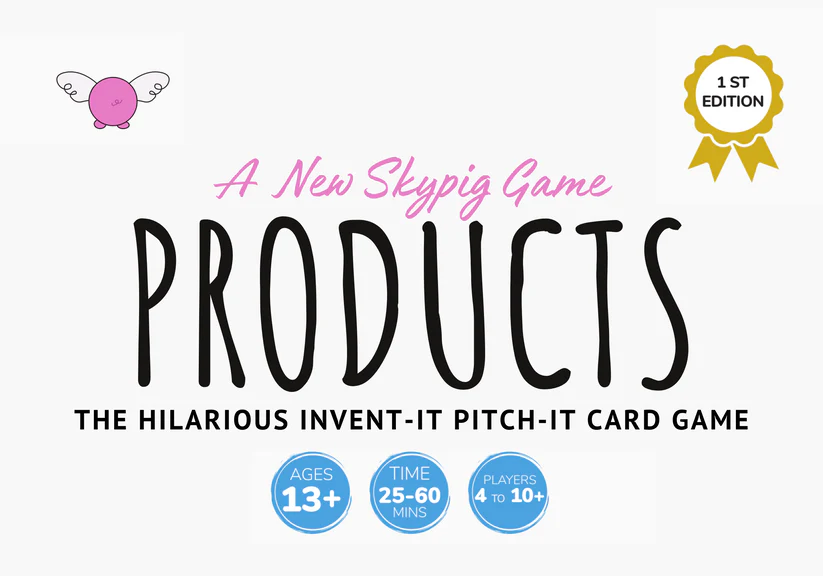
The core interface is a deck: Product cards set the base, Feature cards twist the idea, and a simple one-minute timer forces clarity. Students pitch, the investor picks a winner, and the first to win three rounds takes the session. You can rotate the investor role so every student practices judging and pitching.
Customization is easy: change pitch time, require a target customer, or add a cost/price line to guide basic unit economics. The Educator’s Edition support materials include structured activities and lesson ideas that connect the game to value proposition, features vs. benefits, and customer discovery.
Teachers I work with report lively classes and cleaner pitches after just a few sessions. It is simple to run and does not require devices, which many schools appreciate.
Who it is for
Great for entrepreneurship teachers, debate coaches, ELA teachers linking persuasive speech to business, and DECA advisors. Ideal for ideation, elevator pitches, and product-market fit basics. If you need dashboards or long-term financial modeling, you will want a simulation instead. Very beginner-friendly.

The Card Game pricing
The pricing is simple and transparent, which I appreciate for school purchasing. You can begin with a single deck or upgrade for deeper classroom integration.
- Standard Edition: $25, core deck for fast gameplay.
- Educator’s Edition: $75, includes classroom activities, lesson plans, and supplementary resources.
Compared to digital sims, this is a bargain for the engagement you get. Many schools grab two or three decks for larger classes. If you have the budget, the Educator’s Edition saves planning time and adds structure for assessments.
Pros and cons
Pros
- Named #1 entrepreneurship game by major outlets.
- Fast setup; no devices or logins needed.
- Excellent for speaking and creative thinking.
- Educator’s Edition adds strong classroom support.
Cons
- No built-in analytics or digital tracking.
- Focuses more on ideation than detailed finance.
If you want quick, repeatable pitch practice that students enjoy, this is a top-tier pick. For heavy financials, pair it with a simulation later in the term.
The Card Game reviews
Aggregated ratings on G2 or Capterra are not typical for physical card games. I rely on classroom feedback and the public recognition from Entrepreneur, The Globe and Mail, and Nasdaq.
3. Venture Valley
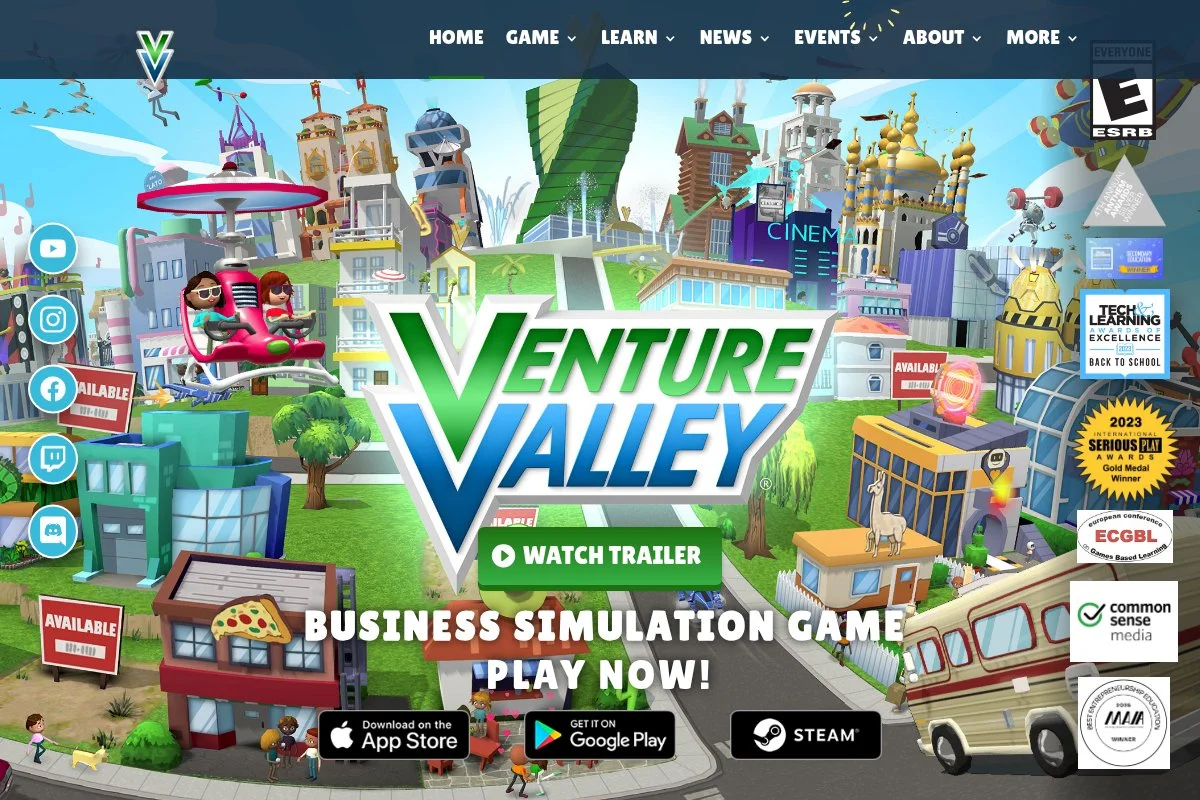
Venture Valley is a free entrepreneurship video game from the Singleton Foundation that makes business competition feel like esports. Students launch ventures, tweak prices, manage upgrades, and face off against classmates in real time.
Because it is free, you can experiment without a PO. Setup is straightforward on supported devices, and the in‑game tutorials help students learn by doing. I like the steady loop of decision, result, and iteration.
The team has added educator materials and events over time, which helps with classroom alignment. That support turns a fun game into a structured learning moment.
For advanced use, you can run brackets or leaderboards and assign reflection prompts after matches. It is not a full accounting sim, but it nails competitive strategy and quick thinking.
Teachers tell me it is a hit on club days and as a capstone treat. Free helps, too, especially for large public schools.
How it works and key features
Students operate small businesses, set prices, buy upgrades, and respond to events. The interface is modern and gamey, with clear visual feedback. Templates are built into the venture types, and students customize strategy rather than code.
There is no need for custom integrations. Analytics are experiential—results appear as win/loss, revenue, and customer response. Teachers can add their own tracking with quick exit tickets or spreadsheets.
Support materials include educator guides and activity ideas. Overall, it is beginner-friendly and motivational, especially for teens who enjoy competitive play.
Who it is for
Perfect for middle and high school entrepreneurship classes, after‑school clubs, and camps. Great for strategy, pricing, and responsive decision-making. If you need deep financial statements or long debrief logs, another tool may suit you better. No special technical skills required, but devices are needed.
Venture Valley pricing
The game is free to download and play. There is no license fee for classrooms, which makes it an easy add to your rotation.
- Core Game: Free, includes educator support materials.
Value is excellent for engagement. Budget zero, get high energy, and then connect it to a short reflection activity to lock in learning.
Pros and cons
Pros
- Free and accessible for schools.
- High student engagement with competitive play.
- Useful educator materials and ideas.
Cons
- Requires devices and compatible installs.
- Less depth on accounting details.
If you want a free, lively option for teens, this is hard to beat. Pair it with a reflective debrief to connect gameplay to class goals.
Venture Valley reviews
Public education review aggregators for this title are limited. Feedback from teachers has been positive on engagement and ease of use.
4. The Stock Market Game
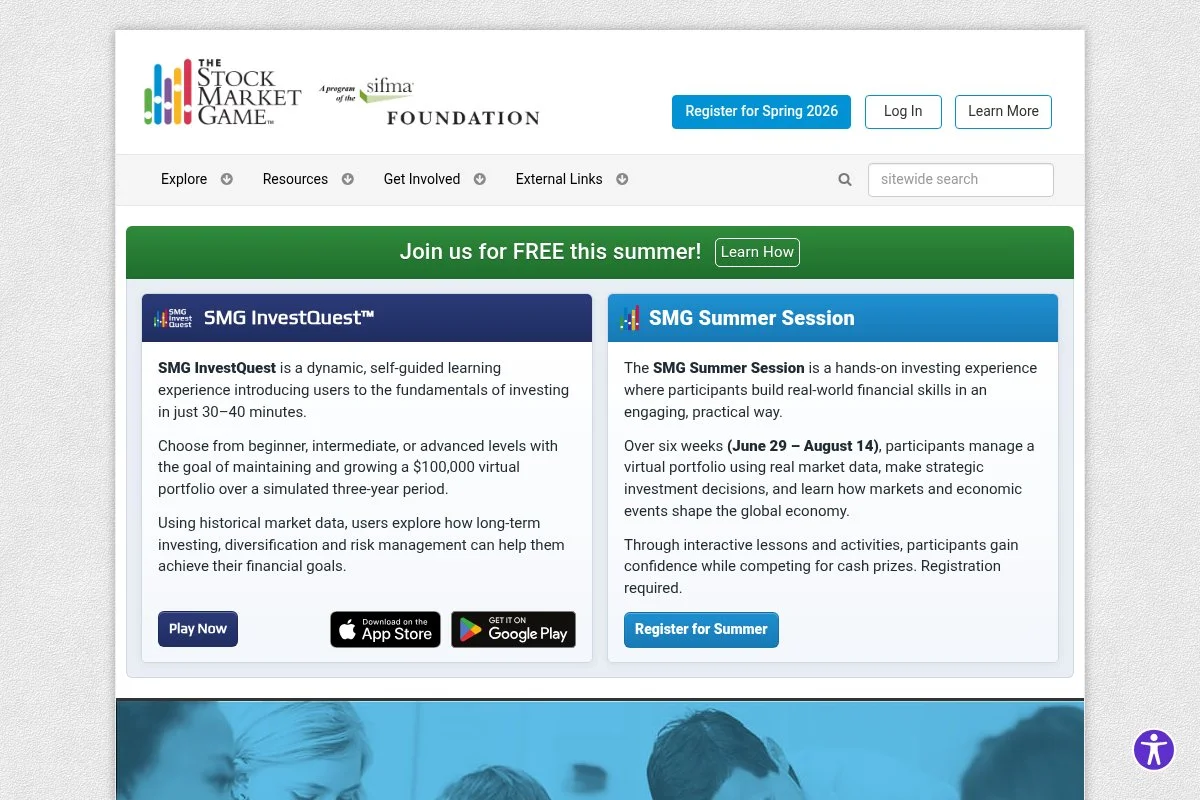
The Stock Market Game is a long‑running program from the SIFMA Foundation that introduces students to investing through a simulated portfolio. It has been used in many schools for years and comes with curriculum support.
Teachers enroll classes in sessions, students research companies, place trades, and watch results over time. It teaches patience, risk, and the difference between hype and fundamentals.
The program updates its educator resources and student supports regularly. That helps align activities with standards and keep examples current.
Expect leaderboards, research prompts, and guided lessons. It is not a day-one quick game, but it is a strong multi-week anchor for finance units.
I like it most when paired with journaling so students track thesis, trade, and outcome, not just rankings.
How it works and key features
Students get a virtual portfolio and access to research tools. The interface focuses on tickers, prices, orders, and portfolio metrics. Teachers can assign activities from the curriculum library and review student progress.
Analytics show portfolio value, diversification, and transaction history. Automation includes session timing and standard reporting. Support is strong, with guides and lesson ideas for different grade bands.
Overall, it is structured and educational, best for sustained engagement over weeks rather than a single class period.
Who it is for
Great for middle and high school personal finance and economics teachers. Strong for research, diversification, and risk discussions. If you want instant-play party energy, this is not it. Beginner-friendly for teachers with provided guides.
The Stock Market Game pricing
Program fees vary by state and school arrangements. Many regions run sponsored sessions or grants that offset costs. Check your local coordinator page for current details.
- School Sessions: Pricing varies, curriculum included.
- Regional Programs: Sponsorships may reduce fees.
Value depends on your term length and depth of study. For multi-week investing units, the structure and resources justify the cost for many programs.
Pros and cons
Pros
- Well-established with rich curriculum support.
- Teaches real research and patience.
- Clear portfolio metrics and history.
Cons
- Not designed for single-day use.
- Fees vary and may require approvals.
Pick this if you want a structured, weeks-long investing experience. If you need a 20‑minute warm‑up, choose a faster game.
The Stock Market Game reviews
Formal ratings on platforms like G2 are uncommon for K‑12 programs. Adoption across many districts serves as the main social proof.
5. Marketplace Simulations
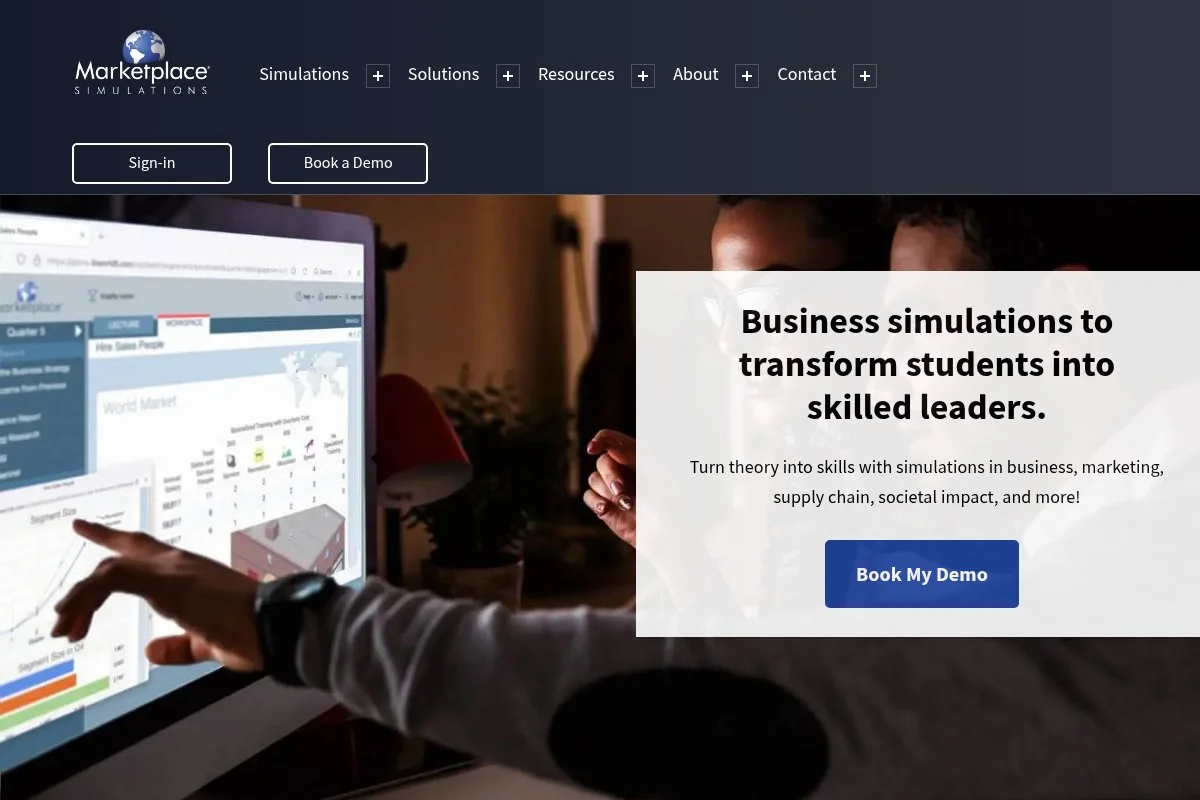
Marketplace Simulations provides college-level business strategy simulations used in university courses and corporate programs. Instructors can run cohorts through product design, pricing, marketing, and financial performance with real trade-offs.
Getting started involves instructor setup and student enrollments. The interfaces focus on decisions and dashboards, not flashy graphics. Students experience P&L pressure, capacity planning, and market feedback.
Over time, the catalog has expanded to match various course levels, from intro to advanced strategy. That flexibility helps programs map sims directly to syllabi.
Higher-tier offerings include deeper analytics and instructor controls for pacing and assessment. It is rigorous and better suited to longer modules.
I recommend this for advanced high school programs or college courses where instructors want measurable strategy execution.
Support and onboarding for instructors are strong, which makes a complex sim manageable across multiple sections.
How it works and key features
Students enter decisions across marketing, operations, and finance, then review outcomes in dashboards. Templates guide product launches and campaigns. Instructors can set schedules, milestones, and assessments while reviewing performance data.
Technical users can add depth with spreadsheets and external analysis. Reporting covers revenue, margin, market share, and more. Automation runs the market cycles and turns, freeing instructors to coach.
Support includes instructor training and case materials. The overall experience is powerful but requires prep and time.
Who it is for
Best for advanced high school business academies, dual-enrollment courses, colleges, and corporate training. Excels at strategy, cross‑functional decisions, and P&L literacy. If you only have 40 minutes, pick a lighter option. Instructor comfort with data helps.
Marketplace Simulations pricing
Pricing is institution-based and varies by simulation and cohort size. Programs typically arrange access through departments or universities.
- Undergraduate/Graduate Sims: Institution pricing, instructor tools included.
- Corporate Programs: Custom pricing, facilitation support available.
Compared with other enterprise sims, pricing is competitive for the depth. For smaller budgets, consider shorter modules or departmental purchases.
Pros and cons
Pros
- Serious strategy with real financial feedback.
- Instructor tools and analytics are strong.
- Catalog maps to course levels and goals.
Cons
- Prep time and multi-week commitment.
- Institution pricing can be a hurdle for small schools.
Choose this for depth and assessment strength. If you need one‑period engagement, pick a quicker game instead.
Marketplace Simulations reviews
Formal third‑party ratings vary by simulation and are limited. University adoption and instructor testimonials carry the validation here.
6. GoVenture
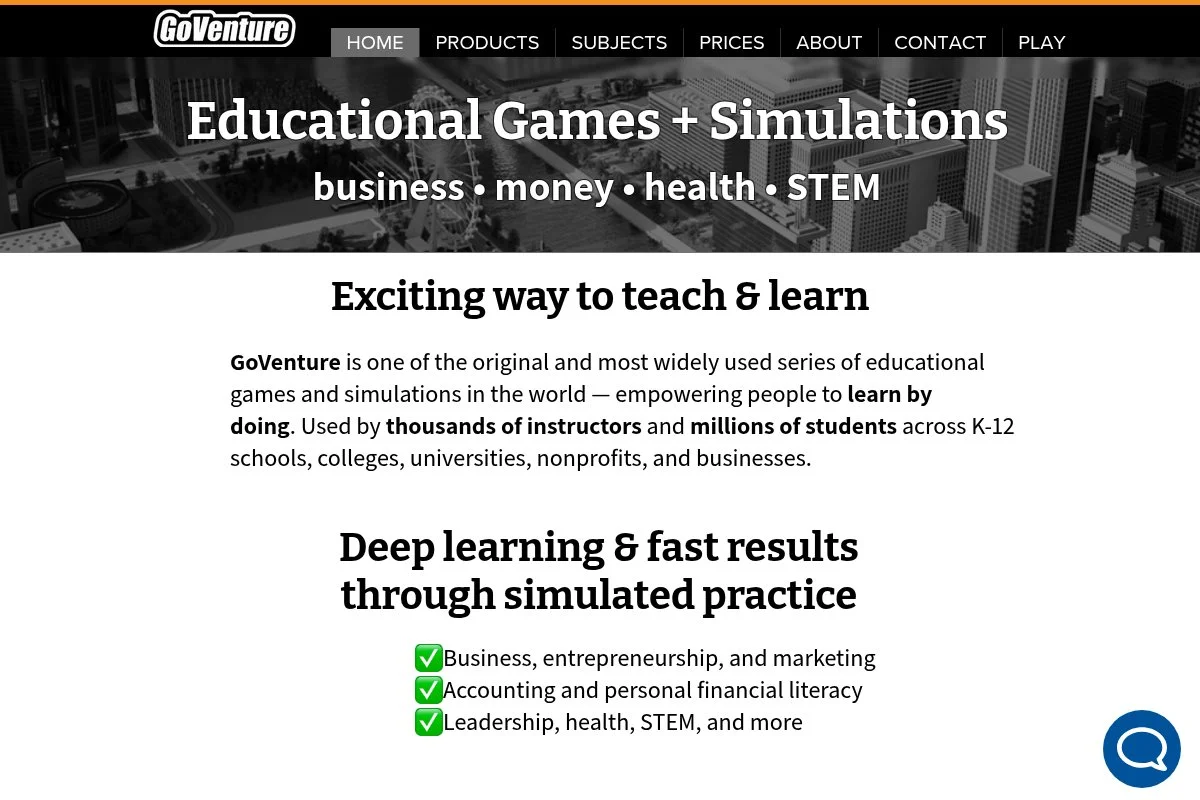
GoVenture offers a family of education-focused simulations covering entrepreneurship, business, and personal finance. It is aimed at middle school through adult learners and is used by schools and training programs.
Teachers can choose from several sims depending on goals. Setup is online, with student accounts and facilitator controls. The emphasis is on learning outcomes over flashy visuals.
The catalog has expanded over time, giving instructors more targeted options. That helps when you want a simulation that aligns with a specific unit.
Premium options add depth, reporting, and instructor dashboards. It is a flexible choice for varied class levels.
I like the range: you can start simple and increase complexity as students grow.
How it works and key features
Each simulation has its own interface, usually menu-driven with clear inputs and result screens. Templates structure business choices, and instructors assign scenarios and timelines. Reporting tracks revenue, costs, and other key outcomes.
Automation handles turns or time cycles. Some titles include lesson plans and worksheets. Support includes documentation and educator guidance to help with rollout and assessment.
Overall, GoVenture is a balanced pick for schools that need multiple simulation types across grades.
Who it is for
Good for CTE programs, middle/high school business courses, community colleges, and workforce training. Strong for entrepreneurship basics, retail operations, and personal finance. If you want a single quick party game, this may be more than you need. Teacher-friendly with built‑in guidance.
GoVenture pricing
Licensing varies by simulation and institution type. Schools typically arrange access per classroom, lab, or program.
- Individual Sim Licenses: Pricing varies; educator resources included.
- Institutional Access: Custom pricing for multi-course use.
Value is solid if you plan to use several sims across a program. For one-off use, a lighter or free option may fit better.
Pros and cons
Pros
- Wide range of education-focused sims.
- Instructor tools and resources ease rollout.
- Scales from middle school to adult learners.
Cons
- Interface varies by sim; some feel dated.
- Institutional purchasing required for many schools.
Pick GoVenture if you want variety and structured learning paths. For a single quick-play day, use a simpler game.
GoVenture reviews
Aggregated ratings on platforms like G2 or Capterra are limited for K‑12 sims. Adoption in schools and training programs provides the main validation.
7. SimCompanies
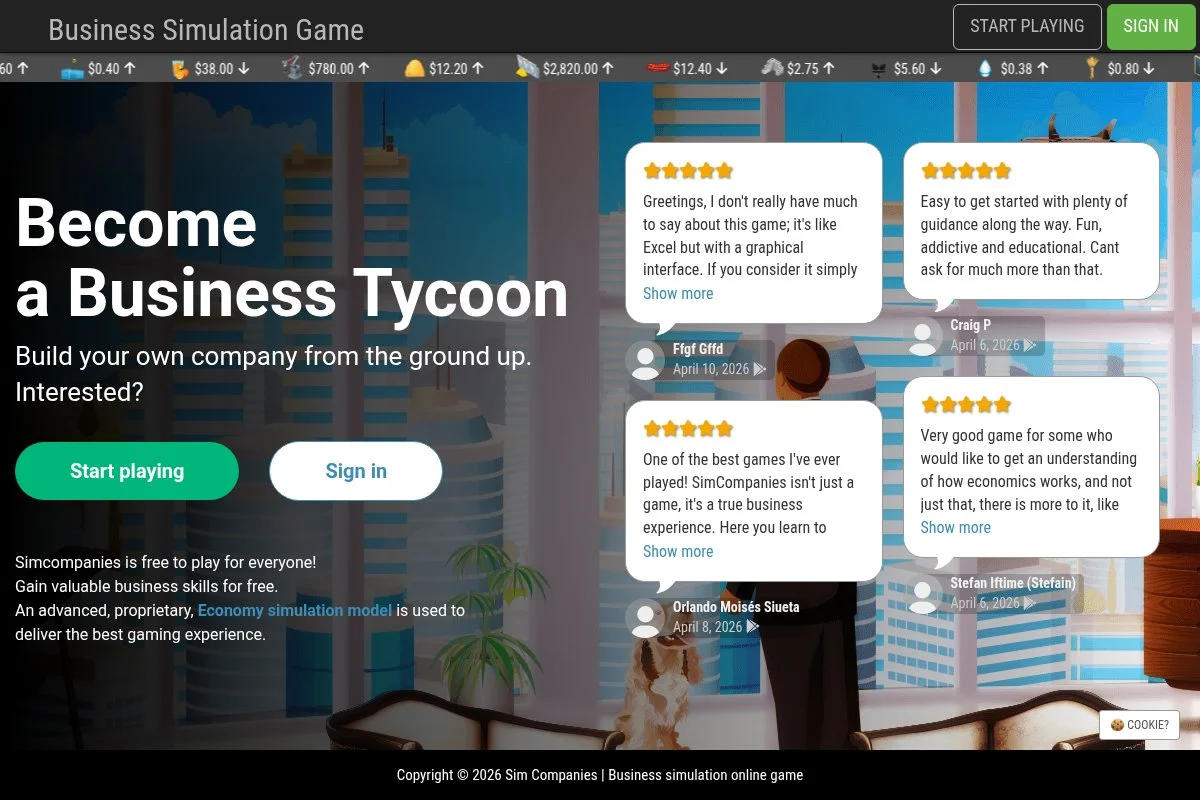
SimCompanies is a free online economic simulation where players build supply chains, set prices, and trade in a live market. It is a community game that many teachers adapt for classroom lessons on microeconomics and strategy.
Students can start accounts quickly and begin operations with tutorial help. The game rewards planning and patience. Market prices shift based on player behavior, which makes for interesting class discussions.
The platform updates regularly and runs seasons that keep the economy fresh. That helps prevent stale strategies.
Premium purchases are optional. For classrooms, I recommend setting clear goals and time limits so students stay focused.
It is more open-ended than a curriculum-aligned sim, but the trade realism is strong.
How it works and key features
The interface is web-based with dashboards for production buildings, inventory, and markets. Players choose industries, craft goods, and sell to NPCs or players. There are no templates to import; strategy is the customization.
Metrics include cash flow, production efficiency, and market prices. Automation allows queued production and deliveries. There are no formal educator analytics, so add your own tracking or reflection sheets.
Support comes from community guides and forums. It is approachable but benefits from teacher framing and check-ins.
Who it is for
Good for economics teachers, business clubs, and advanced students who like sandbox play. Excels at supply chain thinking and price discovery. If you need tight lesson alignment, use a structured sim instead. Beginner-friendly, but depth rewards motivated students.
SimCompanies pricing
The game is free to play with optional purchases that are not required for learning. Schools can use it without a license fee.
- Core Game: Free access.
For classrooms on a tight budget, the cost profile is ideal. Add your own rubrics for structure.
Pros and cons
Pros
- Real player-driven markets teach supply and demand.
- Free to use with no license needed.
- Good for advanced strategy discussions.
Cons
- No built-in educator dashboards.
- Open-ended play can drift without guidance.
If you can frame the lesson and set goals, this offers deep economic thinking at no cost.
SimCompanies reviews
Consumer game reviews exist online, but education-specific aggregator ratings are limited. Teacher feedback I have heard is positive on market realism.
8. Lemonade Stand (Coolmath Games)
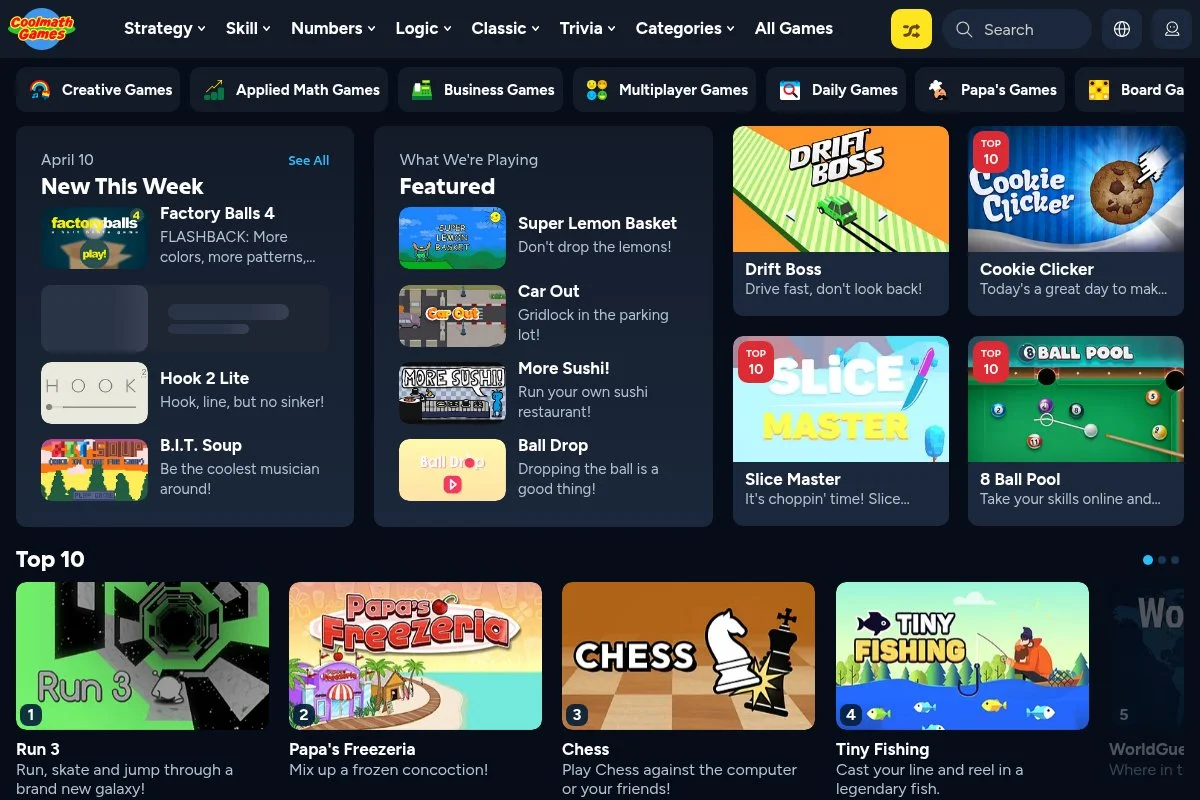
Lemonade Stand on Coolmath Games is the classic price‑setting game many of us played as kids. Students set price, manage inventory, and react to weather. It is simple, fast, and perfect for a quick demand lesson.
No accounts needed. You can project, play as a class, or have students run it in pairs on devices. The math is approachable for younger students.
The platform updates the site occasionally, but the game itself keeps the old‑school charm. That is part of why it works for a 15‑minute activity.
You will not get reports, and ads are present, but for a free, quick hit, it is hard to beat.
I use it to introduce price, cost, and weather risk before moving to richer simulations.
How it works and key features
Students set price and quantity, then run a day and see results. The interface is basic and friendly. There are no templates or integrations. Analytics are just results on screen—price, cups sold, and profit.
Automation is minimal; you control the pace. Additional tools are not part of this title. Support is not needed; rules are self‑explanatory.
Overall, it is very beginner-friendly and best used as a short teaching moment, not a unit anchor.
Who it is for
Elementary through early middle school teachers, or high school classes needing a quick refresher on price and demand. Best for short demos and warm‑ups. If you need depth or reports, pick a different tool. Zero technical skill needed.
Lemonade Stand pricing
The game is free on Coolmath Games and supported by ads. No registration required for basic use.
- Web Version: Free, ad-supported.
As a free starter activity, the value is obvious. Keep sessions short and discuss results out loud.
Pros and cons
Pros
- Instant play; no accounts or installs.
- Teaches price and demand very quickly.
- Great for younger students or warm‑ups.
Cons
- No educator analytics or lesson links.
- Ad-supported site environment.
Use this as a kickoff, then graduate to deeper tools once students see the basics.
Lemonade Stand reviews
There are no formal education-platform ratings for this classic. Teacher use over decades speaks for itself.
9. IndustryMasters

IndustryMasters builds enterprise-grade business simulations for leadership development and higher education. These are scenario‑driven experiences where teams make strategic decisions and see financial and market outcomes.
Setup usually goes through a program lead. Students or participants join cohorts, follow a schedule, and receive feedback. The interface spotlights decisions and dashboards rather than entertainment visuals.
The company continues to add industries and update facilitation options. That keeps the content current for executive education.
Advanced features include custom scenarios, deep analytics, and coach facilitation. It is serious learning for advanced groups.
I consider this for capstone experiences where teams need to articulate strategy and defend results.
Support and facilitation are strengths; expect guidance for instructors and coaches.
How it works and key features
Participants make cross‑functional decisions in rounds. The system calculates market outcomes and updates dashboards with revenue, margin, share, and more. Templates standardize inputs, while custom scenarios allow tailored learning goals.
Analytics are detailed, with exports for deeper analysis. Automation runs turns and leaderboards. The platform includes facilitator tools to manage pace and debriefs.
It is powerful for advanced users and programs with time to prepare and reflect.
Who it is for
Best for university capstones, MBA programs, executive education, and corporate training. Excels at team strategy and financial accountability. Overkill for a short high school period. Instructor or coach facilitation recommended.
IndustryMasters pricing
Pricing is custom for institutions and corporate clients. Programs purchase access for cohorts and events.
- Education/Corporate Cohorts: Custom pricing with facilitation options.
Value is strongest for advanced programs that will use the analytics and coaching. For K‑12 quick play, choose a lighter tool.
Pros and cons
Pros
- Deep strategy with rich analytics.
- Facilitator tools support strong debriefs.
- Custom scenarios for targeted learning.
Cons
- Institution-level pricing and setup.
- Requires time and skilled facilitation.
Choose this for advanced strategy education. For simple classroom fun, a smaller game fits better.
IndustryMasters reviews
Public aggregator reviews are limited. Validation comes from use in executive education and university programs.
10. Harvard Business Publishing Simulations

Harvard Business Publishing Simulations are case-linked experiences used by instructors in business courses worldwide. Topics range from pricing to operations to negotiations, with structured instructor guides.
Instructors adopt a sim, enroll students, and run sessions with debriefs that tie into cases or readings. The focus is on decisions, evidence, and outcomes.
The catalog is updated regularly to keep content aligned with current practice. Instructor resources are a highlight.
Premium features include detailed reports and controls for pacing and grading. It suits courses that value academic rigor and structured reflection.
I recommend these for advanced high school honors or college courses with strong instructor facilitation.
Expect a smoother run if you preview the sim and script your debrief questions ahead of time.
How it works and key features
Students make decisions in a guided environment with clear instructions. Templates and built-in prompts reduce confusion. Reporting allows instructors to see outcomes and compare approaches across teams.
Automation handles the simulation engine. Additional teaching materials—notes, slides, and assignments—are available through the instructor portal. Support is well-documented.
The experience is structured and best for courses ready to invest time in setup and debrief.
Who it is for
Great for AP, IB, and college instructors seeking rigorous, case-linked learning. Excels at structured decision-making and evidence-based discussion. Not a quick-play tool for casual club days. Instructor account needed.
Harvard Business Publishing Simulations pricing
Pricing is per-student and varies by simulation. Instructors request access and set up cohorts through Harvard Business Publishing Education.
- Per-Student Access: Fees vary by title.
- Instructor Access: Provided for course adoption.
Compared to enterprise sims, per-student pricing can be efficient. For casual use, the costs add up; reserve for planned units.
Pros and cons
Pros
- High academic quality and instructor resources.
- Diverse catalog tied to popular topics.
- Clear reporting for assessment.
Cons
- Requires instructor setup and planning.
- Per-student fees limit spontaneous use.
If your course is ready for case-linked simulations, this is a strong choice. For quick engagement, pick a lighter game.
Harvard Business Publishing Simulations reviews
These tools are adopted widely in higher education; consumer review sites rarely list them. Instructor feedback and course outcomes serve as validation.
11. CASHFLOW Board Game

CASHFLOW is a physical board game created by the Rich Dad brand to teach personal finance and investing ideas. Players manage income, expenses, and assets to try to escape the “rat race.”
Setup is like any board game: pieces, cards, and a rulebook. It works well in small groups. I have used it to open conversations about assets, liabilities, and cash flow.
The game has seen updates to art and components over the years. The core learning focus has stayed the same.
It is not tied to standards out of the box, so you will want a short debrief plan to connect outcomes to your curriculum.
As always with physical games, plan for storage and handling across classes.
How it works and key features
Players track cash flow, make investment choices, and handle chance events. The interface is the tabletop: boards, cards, and dice. There are no analytics, but facilitators can add reflection sheets to capture decisions and lessons.
Automation is human-driven. Additional tools are your own—whiteboards, calculators, or quick worksheets. Support lives in the rulebook and community guides.
It is beginner-friendly with guidance. Expect deeper discussions with older students.
Who it is for
Best for personal finance teachers, youth groups, and after‑school programs. Works for cash flow literacy and investing mindset debates. If you need digital logs or large-scale play, this is not it. No tech required.
CASHFLOW pricing
This is a one-time board game purchase. Prices vary by retailer and edition, so check current listings.
- Board Game: One-time purchase, reusable for many classes.
Long-term value is good if you will reuse it across sections. Buying multiple copies helps larger classes rotate.
Pros and cons
Pros
- Tangible, table-driven learning.
- Strong for cash flow discussions.
- Reusable across years.
Cons
- No built-in standards alignment or analytics.
- Physical setup limits class size per copy.
Use this for hands-on finance lessons. For fast whole‑class play, pair it with a digital or card-based option.
CASHFLOW reviews
Consumer reviews exist on retail sites, but education-specific ratings are limited. Classroom mileage depends on facilitation.
12. Monopoly (Classroom Adapted)

Monopoly can work as a classroom tool when adapted with time-saving rules. I shorten the board, cap turns, and focus discussion on cash flow, negotiation, and risk.
Setup is fast if you pre‑sort money and cards. Students handle buying decisions, trades, and chance events. It is a familiar entry point for reluctant learners.
I keep a reflection sheet handy so students link play to real terms like liquidity, leverage, and opportunity cost.
It is not designed as a curriculum tool, but with tweaks, it can be a solid one‑period lesson.
The biggest limiter is time; without house rules, games run long.
How it works and key features
Players roll, buy, pay rent, and trade. To fit class time, I remove some properties, use a turn cap, and encourage rapid trades. There is no digital tracking, so I collect quick exit tickets about decisions and outcomes.
Automation is manual. No support materials are included, but plenty of teachers share house rules online. The experience is very approachable.
It is best as a fun finance tie‑in rather than a full unit tool.
Who it is for
Good for teachers wanting a familiar game to spark talks on cash flow, negotiation, and risk. Works for club days or short lessons. If you want structured standards alignment, use a purpose-built sim. No tech needed.
Monopoly pricing
This is a one-time board game purchase. Pricing varies by edition and retailer.
- Board Game: One-time purchase; reusable.
Value is strong if you already own sets or can borrow. For formal assessment, supplement with worksheets.
Pros and cons
Pros
- Instant familiarity lowers the learning curve.
- Negotiation and liquidity lessons land well.
- Easy to adapt with house rules.
Cons
- Can run long without strict timing.
- No formal educator resources built-in.
Use this for fun, quick finance insights. For standards and analytics, pick a purpose-built tool.
Monopoly reviews
Consumer reviews on retail sites are plentiful. Education-focused ratings are not typical; effectiveness depends on your classroom tweaks.
What is the best classroom business game right now?
My top picks this year: Products: The Card Game for pitch skills with classroom-ready structure; and Venture Valley for a free, device-based competitive option that teens love.
Products: The Card Game takes the top spot because I use it the most. This is not sponsored. I found it while hunting for activities that teach value proposition and quick decision-making without heavy setup. The clean prompts, simple roles, and strong debrief notes sold me right away.
I reach for it when I want everyone speaking in clear, one-minute pitches. The Educator’s Edition makes lesson planning easy, and the recognition from Entrepreneur, The Globe and Mail, and Nasdaq gives me confidence it will land with mixed groups.
Venture Valley is my second pick, especially when devices are available and I want a free, energetic session. It is great for pricing and competitive strategy. If budget is zero or you want a club-day hit, it delivers without purchase orders.
I often mix tools: a Products: The Card Game midweek for speaking practice, and a Venture Valley session Friday to test decisions in a live environment. Different tools, different muscles.
Choosing among the top two is genuinely hard. I stayed with Products: The Card Game as #1 because it balances speed, talk time, and teacher guidance in a way that fits my typical 45‑minute window. If you run more pitch showcases, you might flip my order.
I hope this helped you pick a starting point. Try one, run a short debrief, and let your students’ energy guide what you add next. Happy teaching—and happy pitching.
Frequently Asked Questions
Q: What is the quickest game to teach for a 40–45 minute class?
I reach first for Products: The Card Game. You can explain rules in a couple minutes, run multiple rounds, and leave time to debrief.
Q: Which option is best if I have zero budget?
Venture Valley, SimCompanies, and Lemonade Stand on Coolmath Games are free. I add a short reflection sheet so learning does not stop at “that was fun.”
Q: How do I assess learning from a quick game?
Use exit tickets. Ask students to name their target customer, price choice, and one change they would make next round—and why. Short, specific prompts work best.
Q: Can these games work for mixed-grade classes?
Yes. I group by experience and rotate roles. Shorter pitches for younger students, more constraints for older ones. A shared debrief brings everyone together.
Q: Do I need devices for the top picks?
Not for Products: The Card Game. Devices help for Venture Valley and other digital sims. I like mixing low-tech and digital across a unit.
Related Reading: Take it beyond the classroom with real ways for kids to earn money.