A few years ago, I started building a repeatable workshop playlist for teams that wanted fresh ideas without wasting a quarter on meetings. I edit content all day, but I love tight, practical exercises that move a room.
My goal was to help people ship smarter ideas faster. The spark came from watching scrappy founders run low-tech games that beat expensive “innovation offsites.” It changed how I planned sessions.
I tested formats with my research team, interviewed facilitators, and mapped sessions to common problems: idea generation, problem framing, rapid prototyping, and pitch practice. Picking tools, though, was harder than I expected.
The internet is full of methods. Some are brilliant; many are recycled. What the best teams do well is choose a few reliable activities, run them consistently, and track what sticks. They don’t chase shiny objects.
You don’t need the priciest platform to get real results. You need a clear run-of-show, a game that nudges bold thinking, and a way to capture decisions. This guide gives you that, without fluff.
What follows is my short list of activities and tools I’d use with real teams, based on my experience and research. I’m not sponsored. I’m focused on what works for resourceful leaders, teachers, and creators.
Let’s start with a quick side-by-side view before we dive into the details.
10 innovation activities that I recommend over and over.
Scroll for my detailed takes on each pick, including where they shine, where they fall short, and which one I chose. I’ll also point out free-friendly options for beginners.
What is an innovation activity?
An innovation activity is a structured exercise, tool, or service designed to help a group generate ideas, frame problems, and make clearer decisions. The goal is practical creativity that leads to action.
I often say “process beats personality.” Methods make it easier for quiet people to contribute and for strong opinions to be tested. That means better ownership, clearer choices, and fewer meetings that go nowhere.
Think of it like this: one focused 60‑minute exercise that yields 20 testable ideas can beat a month of unstructured brainstorming. The difference shows up in shipped experiments, not sticky notes on a wall.
In plain terms: teams, teachers, and creators use these tools to run guided sessions where prompts, timers, and constraints channel input from participants into shortlists and next steps that matter.
People often pair these activities with digital whiteboards, simple forms to gather input, prototyping tools, and lightweight project trackers so ideas do not die after the meeting ends.
Not every option is equal, so it pays to compare methods, cost, and fit for your team before you commit.
How to choose the best innovation activity
Choosing the right activity can feel overwhelming. There are card decks, whiteboards, playbooks, and full-blown programs—each pitching a different path to better ideas.
I wrote this guide to help you match methods to your context: classroom, startup sprint, nonprofit planning, or corporate strategy. You’ll see where I’d start and what I’d skip.
Most guides you find are written by vendors or media sites with paid placements. I’m not sponsored by any platform on this list. This is my honest overview based on experience and research with real teams.
Here are some questions you should ask when looking for a tool:
- How generous is the free tier, and what are the limits?
- Can I run the core activity in under 60 minutes with a clear outcome?
- Will this scale from a small group to a large workshop?
- How will costs grow as my users or sessions increase?
- Does it include the features I need for idea capture and decisions?
- What analytics or exports help me track what worked?
- If I need to switch later, how hard is it to migrate my content?
- How reliable is it during live sessions, and what support exists?
- Are there any technical requirements that could slow people down?
It’s a lot, but I’ll walk you through options that check these boxes and call out tradeoffs so you can choose with confidence.
Okay, enough of me rambling, let’s get into the list.
11 best innovation activities in 2026
Here are my top picks for the best innovation activities:
- Products: The Card Game
- Mural
- Miro
- SessionLab
- Liberating Structures
- LEGO Serious Play
- Gamestorming
- Strategyzer
- FigJam
- Stormboard
Let’s see which one is right for you.
1. Products: The Card Game

Products: The Card Game is a tabletop game for teaching entrepreneurship and pitch skills. It’s billed as “Learn how to pitch a business the fun way,” and has been highlighted as a top entrepreneurship game by outlets like Entrepreneur, The Globe and Mail, and Nasdaq.
Getting started is zero-friction. The investor draws a Product card, players match a Feature card, then each has 60 seconds to pitch. The investor chooses a winner; first to 3 wins. It’s fast, simple, and surprisingly educational.
The Educator’s Edition adds classroom activities and lesson plans, which make it easy to run a full period with objectives and graded outputs. That’s a big lift for teachers who want structure.
Premium kits include supplemental resources and integration ideas for entrepreneurship units, clubs, and accelerators. The structured rounds create low-stakes practice with high feedback density.
I reach for this in pitch workshops and first-week startup classes. It lowers anxiety and gets shy students speaking. The 60-second rule builds clarity fast.
It also packs well in a backpack, which sounds small, but portability matters when you run sessions in different rooms.
How it works and key features
Gameplay centers on product-feature combinations and quick pitches. The investor role rotates, so everyone practices judging and presenting. The deck contains enough variety to keep sessions fresh across multiple rounds.
You can add constraints such as target customer or sales channel in advanced rounds. Educators can use the lesson plans, reflection sheets, and rubrics to shape learning outcomes.
Support materials cover facilitation tips and suggested variations for different ages or team sizes. Post-game, I often send people to write a 100-word version of their winning pitch.
Overall, the experience is beginner-friendly and scales from icebreaker to full-class activity.
Who it’s for
Perfect for teachers, entrepreneurship clubs, accelerators, marketing teams, and public-speaking workshops. Great for pitch practice, storytelling, and product thinking. If you need complex prototyping, pair with a whiteboard tool. No technical skill required.
The Card Game pricing
Pricing is simple and friendly for schools and teams.
- Standard Edition: $25, includes the core deck and rules for rapid play.
- Educator’s Edition: $75, includes classroom activities, lesson plans, and supplementary resources.
In terms of learning value, the deck is a strong deal. One purchase supports many sessions across a semester or multiple workshops. If you buy for a district or accelerator, ask about volume options.
Pros and cons
Pros
- Clear 60-second pitch structure builds confidence fast.
- Educator resources save planning time.
- Low cost, high replay value.
- Portable and easy to run anywhere.
Cons
- Not a digital tool; remote play requires adaptation.
- Focuses on pitching, not deep validation or research.
If you teach or coach pitches, this is a no-brainer. If your goal is workflow or roadmap planning, pick a board tool instead.
ProductS: The Card Game reviews
No centralized ratings on G2/Capterra due to its physical format. Educators I’ve spoken with praise it for engagement and fast progress on speaking skill
2. Mural
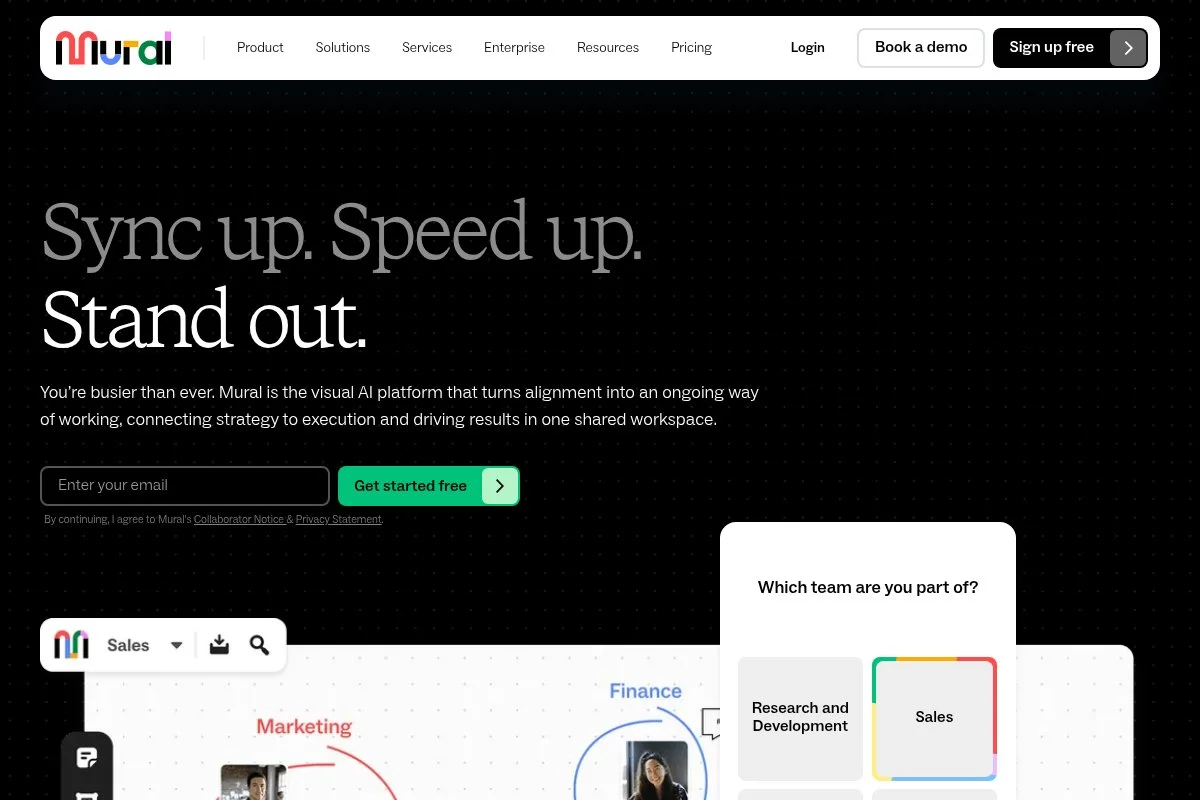
Mural is a digital whiteboard built for workshops and visual collaboration. It’s known for templates, sticky notes, and facilitation features that keep remote sessions structured and lively.
You can start with a free plan and spin up a board in minutes. Timers, voting, and private mode help you run exercises cleanly. I rely on templates for design sprints, retros, and prioritization.
In recent years, Mural has strengthened enterprise features and integrations, making it easier to run large, secure workshops across teams. Better templates and learning content reduce prep time for facilitators.
Higher tiers add admin controls, guest management, and more robust facilitation tools. The export options make post-session summaries painless.
If you run remote workshops, Mural belongs in your stack. I appreciate how it balances guidance with flexibility.
Support content and community templates are plentiful, so you rarely start from a blank canvas.
How it works and key features
The interface is WYSIWYG with drag-and-drop objects, sticky notes, shapes, and connectors. You’ll find an extensive template library for common sessions and methods.
Advanced users can embed media, link to files, and integrate with tools like Jira or Slack. Analytics focus on activity and engagement, and exports capture outcomes for stakeholders.
Facilitation features include timers, voting, private mode, and frames to guide participants. Support includes help docs, tutorials, and a knowledge base for common workflows.
The result: a smooth experience for both first-time participants and seasoned facilitators.
Who it’s for
Great for distributed product teams, design leaders, consultants, and educators who need remote-friendly workshops. Ideal for design sprints, strategy maps, and prioritization. If your team only meets in person, a physical kit might be simpler. Beginner-friendly with room to grow.
Mural pricing
Mural uses a freemium model with paid plans unlocking more boards, collaboration features, and admin controls.
- Free: core boards with basic collaboration for small teams.
- Team/Starter: paid per member, adds templates, guests, and more boards.
- Business/Enterprise: advanced security, admin features, SSO, and support.
Value-wise, Mural sits in the same range as other whiteboards. Annual billing usually offers savings. If your workshops are frequent, the paid tiers earn their keep.
Pros and cons
Pros
- Excellent facilitation features for remote sessions.
- Strong template library cuts prep time.
- Enterprise-ready controls and integrations.
Cons
- Can feel heavy for simple note-taking.
- Learning curve for non-technical users at first.
Pick Mural if you run structured workshops online. If you only need quick stickies, a lighter tool might suffice.
Mural reviews
Major review platforms list strong ratings. If you want a sense of scale and sentiment, check current listings on G2 and Capterra.
3. Miro
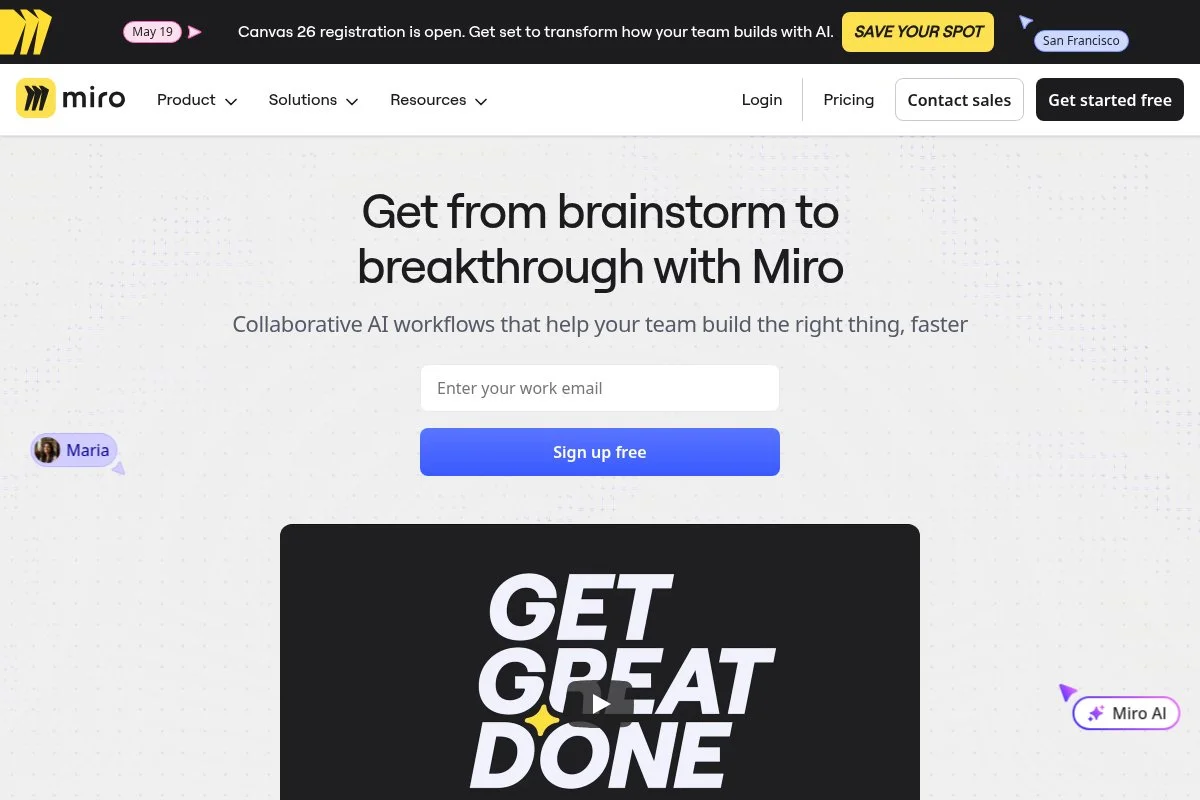
Miro is a visual collaboration platform used widely for product discovery, mapping, and planning. It’s known for speed, plugins, and a massive template community.
Start on a free plan and invite collaborators easily. The board feels snappy, even with lots of content. I use it for journey maps, impact/effort grids, and quick wireframes.
Recent growth has brought stronger integrations and app ecosystem features, which expand what you can build inside boards without switching tools.
Premium plans add advanced permissions, private boards, and admin controls. If you’re scaling facilitation across a company, those controls help.
I’ve run many sessions in Miro and like how quickly people learn the basics. It’s easy to keep momentum in a live workshop.
The community templates are a time saver. You’ll rarely start from scratch.
How it works and key features
Miro offers a smooth drag-and-drop whiteboard with sticky notes, shapes, connectors, and frames. The template gallery spans discovery, sprint planning, and retrospectives.
Advanced users can install apps, embed content, and connect with tools like Jira or Google Drive. Analytics focus on board activity and exports capture outcomes.
Automation is light but useful: timers, voting, and pre-built flows keep sessions on track. Support includes tutorials, templates, and an active community.
It’s balanced: beginner-friendly and powerful enough for complex work.
Who it’s for
Best for product managers, UX teams, agencies, and students who want a flexible, fast board. Great for mapping, ideation, and quick prototyping. If you prefer strict structure, consider Mural. Friendly for beginners.
Miro pricing
Miro follows a freemium model, with paid plans unlocking more boards, permissions, and admin features.
- Free: core boards with basic collaboration.
- Starter/Team: paid per editor; more boards, permissions, and features.
- Business/Enterprise: SSO, advanced admin, and support.
Pricing is competitive with other whiteboards. Annual plans reduce costs. For small teams, the free tier can go far; scale makes the paid tiers worthwhile.
Pros and cons
Pros
- Fast, flexible board with rich template ecosystem.
- Good balance of power and ease of use.
- Strong integrations for product teams.
Cons
- Permissions can get complex as teams grow.
- Heavy boards can feel cluttered without discipline.
Choose Miro if you want speed and flexibility. If you need stricter facilitation controls, Mural might edge it out.
Miro reviews
Well-rated across major platforms. For up-to-date star ratings and review counts, see current listings on G2 and Capterra.
4. SessionLab
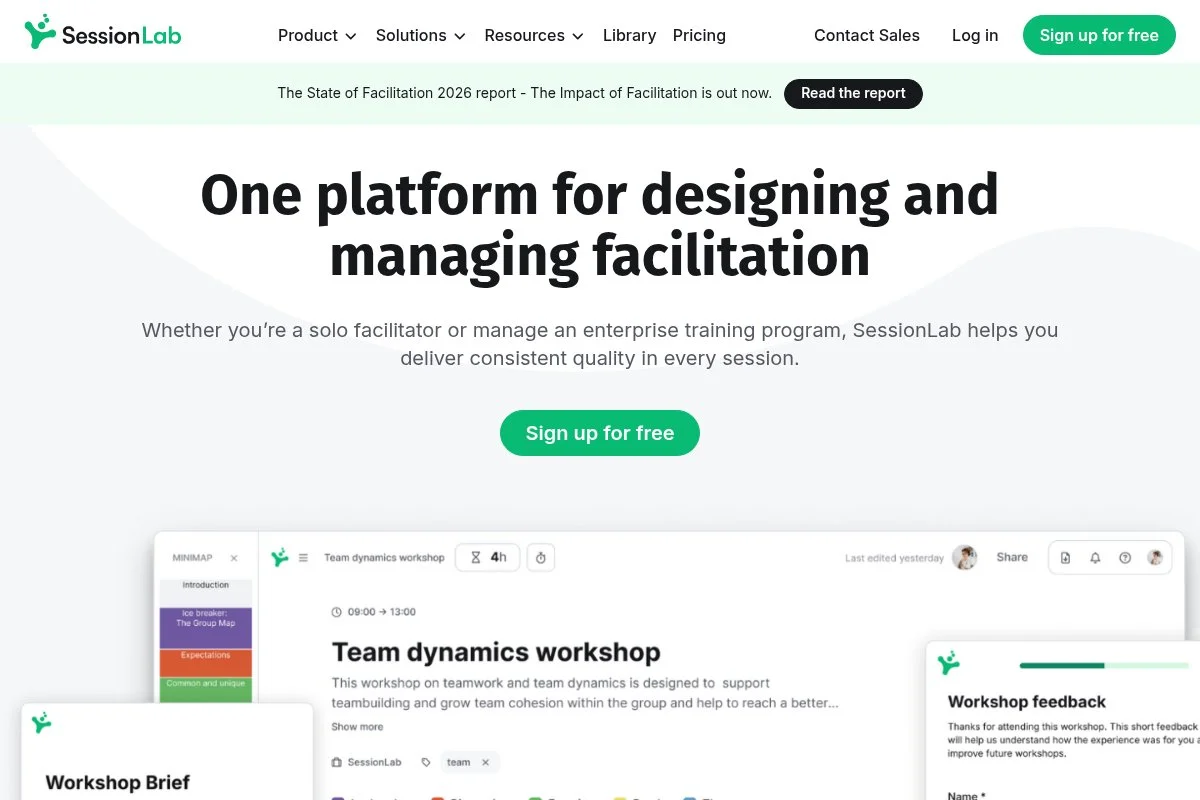
SessionLab is an agenda design tool for facilitators. It helps you plan workshops, drag blocks into timelines, and keep timing realistic.
There’s a free tier to get started. The interface feels like a structured editor for sessions: blocks, durations, and notes. I like that you can estimate energy and switch activities quickly.
Recent updates have improved libraries and sharing, making it easier to reuse proven plans and collaborate with co-facilitators.
Premium tiers add collaboration, export options, and template libraries. If you run many workshops, those features reduce prep overhead.
I’ve used SessionLab to keep long days tight. It reduces over-planning and keeps me honest about time.
The activity library is a goldmine for filling gaps without reinventing the wheel.
How it works and key features
You build agendas with a drag-and-drop timeline. Each block has duration, materials, and notes. Templates speed up common flows like design sprints.
Advanced users can manage libraries, share with collaborators, and export to PDFs or docs. Analytics focus on timing and structure rather than participant data.
Automation is light: duplicating agendas, rebalancing time, and quick edits. Support includes guides and an active blog.
For facilitators, it hits the sweet spot between power and simplicity.
Who it’s for
Designed for facilitators, trainers, consultants, and educators. Great for multi-hour or multi-day agendas, playbooks, and handoffs. If you need a live board, pair it with Mural or Miro. Beginner-friendly.
SessionLab pricing
Freemium model with paid tiers unlocking collaboration, exports, and libraries.
- Free: solo planning with basic features.
- Pro: paid per user with collaboration and export options.
- Business/Team: admin features and sharing controls.
It’s cost-effective if you plan often. Annual billing typically lowers the per-month cost. For ad-hoc workshops, the free tier may be enough.
SessionLab reviews
Well-regarded by facilitators; check Capterra or G2 for current ratings. Users praise its clarity and time savings.
5. Liberating Structures
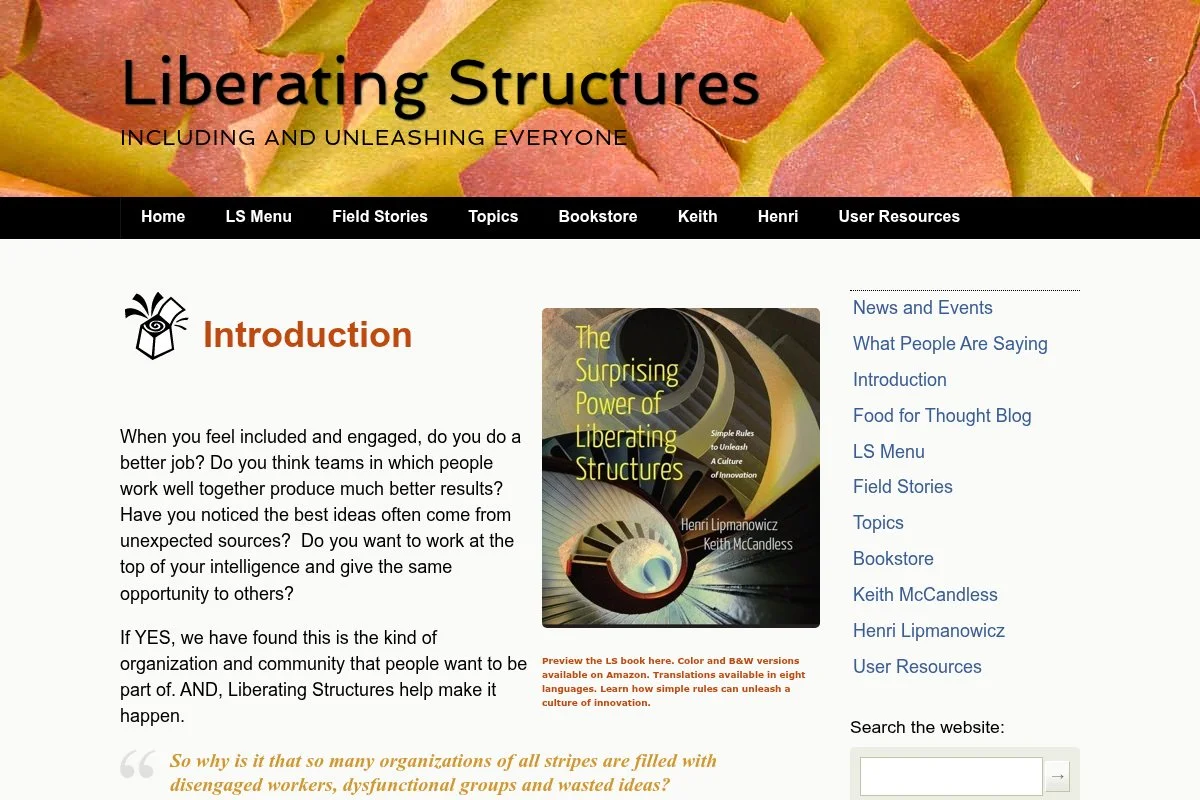
Liberating Structures is a free set of facilitation methods that help groups include every voice and move toward decisions. Think short, structured activities that scale well.
Getting started is easy: the website lists methods with steps and timing. I use 1‑2‑4‑All and 15% Solutions in almost every workshop.
The community keeps expanding practice notes, making it easier to adapt sessions for different contexts.
There’s no paid tier, but there are books and workshops. Pair LS with a whiteboard if you’re remote.
If your budget is tight, LS gives you a reliable playbook. It’s hard to beat free and effective.
I like how LS reduces grandstanding and makes space for real contributions.
How it works and key features
Each structure includes clear steps, timing, and tips. You can chain methods into a full agenda. No software required; any room or whiteboard works.
Customization is easy: pick structures that match your goal—idea generation, prioritization, or reflection. Pair with timers and voting on a digital board if needed.
Support comes from the website, books, and a generous community that shares variations and pitfalls to avoid.
Overall, LS is simple, inclusive, and reliable for groups of all sizes.
Who it’s for
Ideal for facilitators, managers, teachers, and nonprofit leaders. Great for participation, idea generation, and decision-making. If you want heavy documentation or analytics, combine with a digital tool. No technical skill needed.
Liberating Structures pricing
The methods are free. Optional costs include books, practice workshops, or coach-led sessions if you want deeper guidance.
- Free Methods: full library online.
- Books/Resources: optional purchases from various sellers.
- Workshops: trainer pricing varies by provider.
This is the best value on this list if you’re willing to self-serve and practice.
Liberating Structures reviews
No centralized software reviews. Adoption and word-of-mouth within facilitation circles are strong.
6. LEGO Serious Play
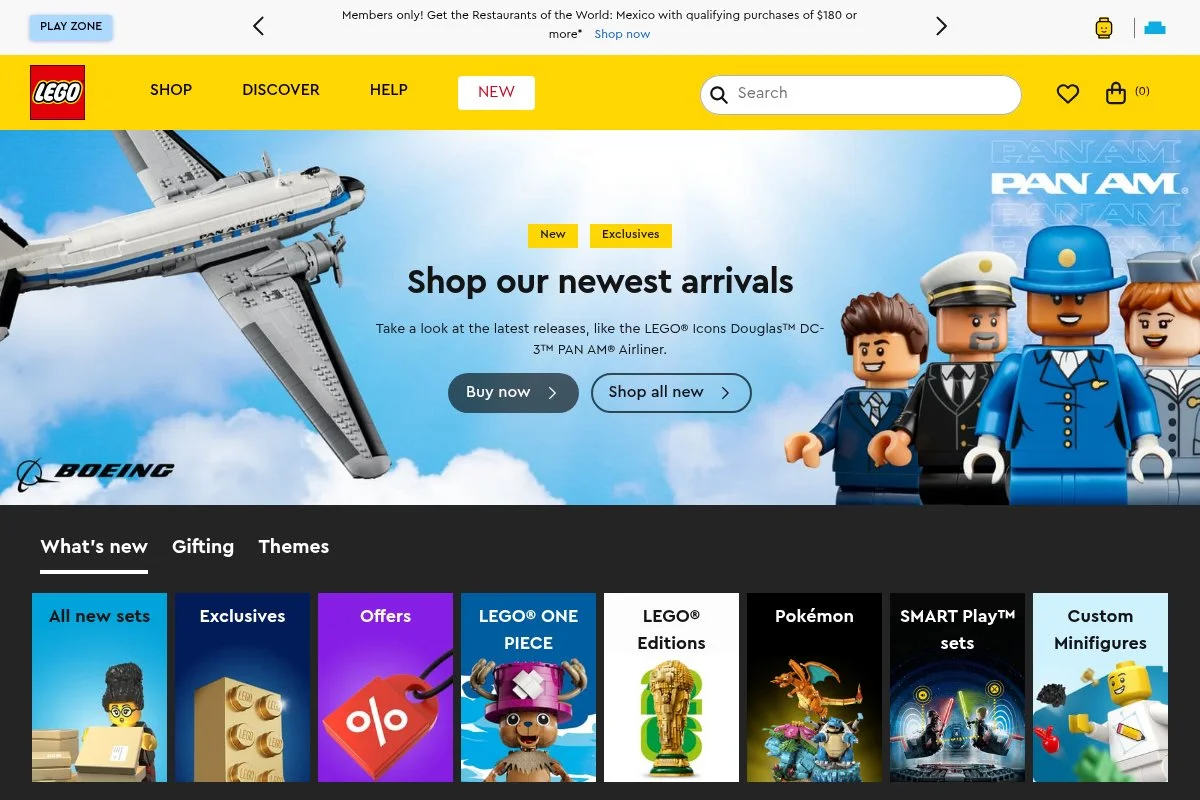
LEGO Serious Play (LSP) is a facilitated method that uses LEGO bricks to explore strategy, identity, and team alignment. It turns abstract talk into tangible models.
You buy kits and work with a trained facilitator, or use public LSP resources. The flow is prompt, build, share, reflect. It’s engaging and cuts through vague language.
Over the years, LSP has grown into a global practice with many trained facilitators and variations for different outcomes.
Advanced sessions include shared models, connections, and scenario planning. It’s powerful for offsites and strategic resets.
I’ve seen quiet contributors open up with LSP. Building first, talking second changes the dynamic.
The tactile element helps people remember and act on what they decided.
How it works and key features
Facilitators guide prompts while participants build models. Sharing rounds surface meaning and assumptions. Connections tie ideas into systems.
Kits vary by size and complexity. You can customize prompts to your strategy questions. Outputs include photos, notes, and agreed statements.
Support comes from trained facilitators, meetups, and online resources. You’ll need space, time, and preparation.
Great for high-stakes conversations that benefit from tangible models.
Who it’s for
Best for leadership teams, cross-functional offsites, and classrooms exploring systems. Strong for strategy, values, and alignment. If budget or time is tight, choose a lighter method. Facilitator skill matters.
LEGO Serious Play pricing
Pricing varies. You’ll pay for LEGO kits and, often, a certified facilitator for session design and delivery.
- Kits: multiple sizes and assortments available.
- Facilitation: priced per session or day by provider.
- Training: optional certification for in-house teams.
Costs are higher than DIY methods, but the outcomes can be worth it for major decisions.
LEGO Serious Play reviews
No standard software ratings. Case studies and facilitator portfolios are the best proof points to review.
7. Gamestorming
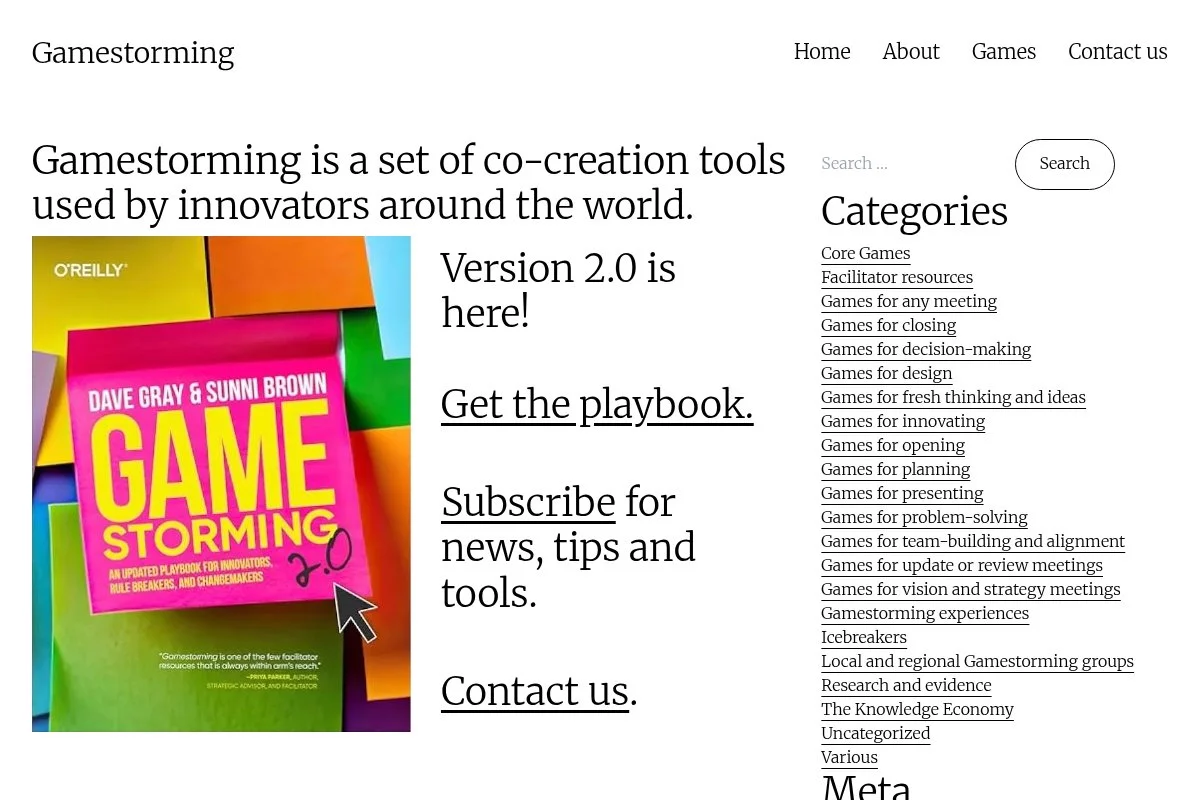
Gamestorming is a library of facilitation games for creativity, collaboration, and problem solving, built around the best-selling book.
You can browse games online and adapt them to your context. The methods are clear and easy to test in a meeting with paper and markers.
The site and community continue to share variations and playtest notes, which keeps ideas fresh.
Pair Gamestorming with a whiteboard for remote runs. It’s a flexible, low-cost toolkit.
I like how it encourages experimenting with constraints and visuals rather than long debates.
It’s a practical way to level-up facilitation without big budgets.
How it works and key features
Each game includes goals, steps, and materials. You can chain games to match your agenda—opening, exploring, deciding.
Customization is straightforward. Advanced users document outcomes and create templates for reuse. Remote sessions work fine with any digital board.
Support comes from the book, community posts, and facilitator blogs. It’s DIY by design.
Overall, it’s a flexible playbook for scrappy teams.
Who it’s for
Great for managers, product folks, teachers, and consultants who want a free or low-cost library of activities. Ideal for energizers, ideation, and framing. If you need compliance or enterprise controls, use a software tool. Very beginner-friendly.
Gamestorming pricing
The online library is free. Optional costs include buying the book and any workshop training you choose.
- Free Library: methods and guidance online.
- Book: one-time purchase.
- Workshops: optional, provider-priced.
For the price, it’s hard to outdo the variety you get here.
Gamestorming reviews
No centralized ratings. The method’s longevity and community usage speak for themselves.
8. Strategyzer
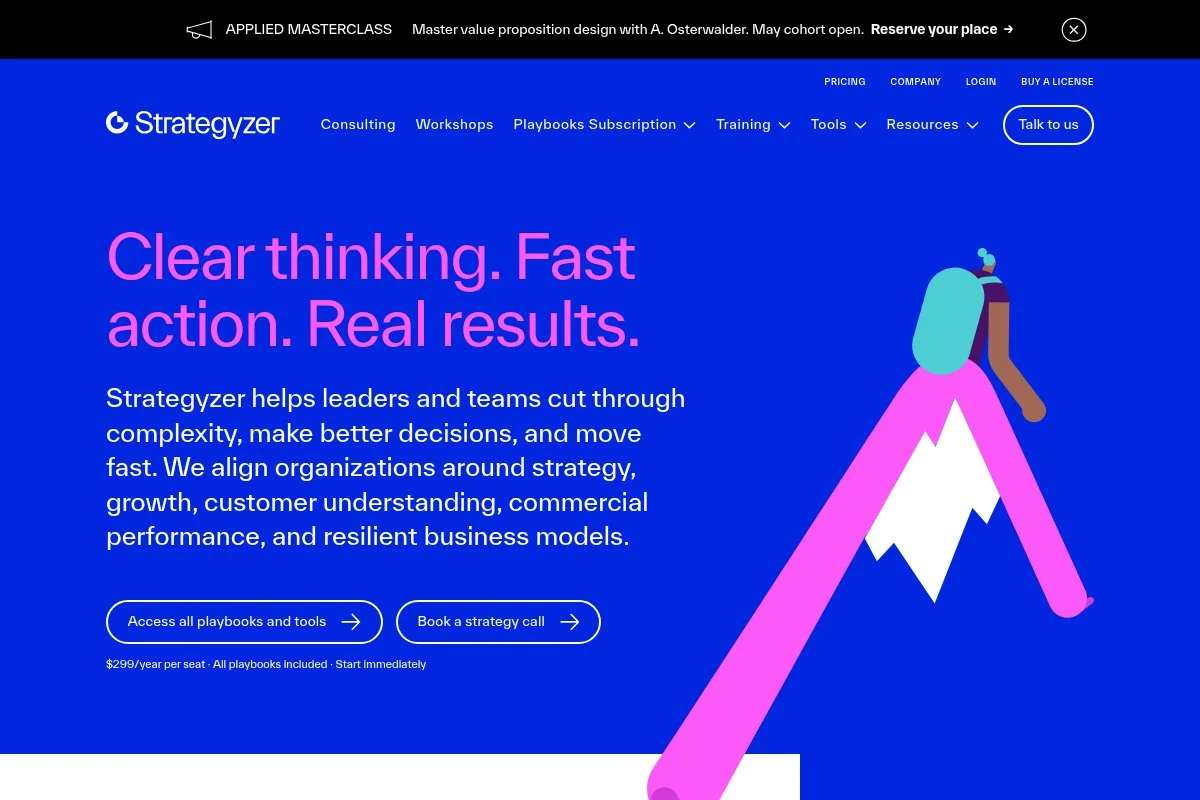
Strategyzer offers tools, courses, and frameworks like the Business Model Canvas and Value Proposition Canvas. It helps teams test ideas and reduce risk.
You can start with free resources and books, then upgrade to software and courses for structured experiments and scorecards.
Ongoing updates to templates and training keep content aligned to modern product practices.
Higher tiers include portfolio controls, progress tracking, and coaching options. If you’re serious about evidence-based decisions, the structure helps.
I return to the canvases often. They’re simple enough to teach quickly and strong enough to guide hard calls.
The visual language helps cross-functional teams align without jargon.
How it works and key features
Start with canvases to map assumptions. Run tests, log evidence, and score confidence. The platform supports portfolios of ideas and experiments.
Templates and examples offer a proven starting point. Exports and reports help you brief stakeholders and keep momentum.
Support includes courses, books, and expert guidance. It’s structured, with space for your context.
Overall, it’s best for teams that value disciplined testing over ad-hoc brainstorms.
Who it’s for
Ideal for product leaders, strategy teams, accelerators, and corporate innovation groups. Great for validation, prioritization, and portfolio views. If you just want a light ideation game, choose a simpler option. Some facilitation skill helps.
Strategyzer pricing
Pricing varies by seats and program. You can mix free resources with paid software and training.
- Free Resources: canvases and articles.
- Books/Courses: priced per title or cohort.
- Software: per-seat licensing for teams and enterprises.
The value is strong if you adopt the method across teams. Consider annual or group options to manage cost.
Strategyzer reviews
Software and courses are discussed widely; check vendor case studies and professional reviews for current feedback.
9. FigJam
FigJam is Figma’s whiteboard for ideation and diagramming. It shines for design-led teams that want playful, fast collaboration with stickies, stamps, and widgets.
You can start free, then upgrade per editor as you scale. I like how FigJam and Figma sit side-by-side for sketching flows and handing off to design.
Recent additions in templates and widgets have improved session structure and fun without losing speed.
Paid tiers add advanced permissions and admin tools. If you already use Figma, the ecosystem fit is strong.
For quick mapping and workshops, FigJam hits the right tone: playful, but productive.
The learning curve is mild for anyone who has used modern whiteboards.
How it works and key features
A clean canvas with sticky notes, shapes, connectors, and widgets. Templates help you run sessions like Crazy 8s, user story mapping, and retros.
Advanced users can embed content, use plugins, and move work into Figma. Exports keep stakeholders in the loop.
Timers, cursors, and reactions keep energy high. Support includes docs and community examples.
A friendly experience for both designers and non-designers.
Who it’s for
Best for design teams, product squads, and classrooms tied to Figma. Great for ideation, mapping, and quick consensus. If you need enterprise control, evaluate Mural too. Beginner-friendly.
FigJam pricing
Freemium with paid per editor as you expand.
- Free: core boards and collaboration.
- Paid: per-editor pricing with more features and admin tools.
- Enterprise: SSO, advanced security, and support.
Value is strongest if your team already uses Figma. Annual billing usually lowers monthly costs.
FigJam reviews
Well-liked in design communities; check current ratings on G2 or Product Hunt for details.
10. Stormboard
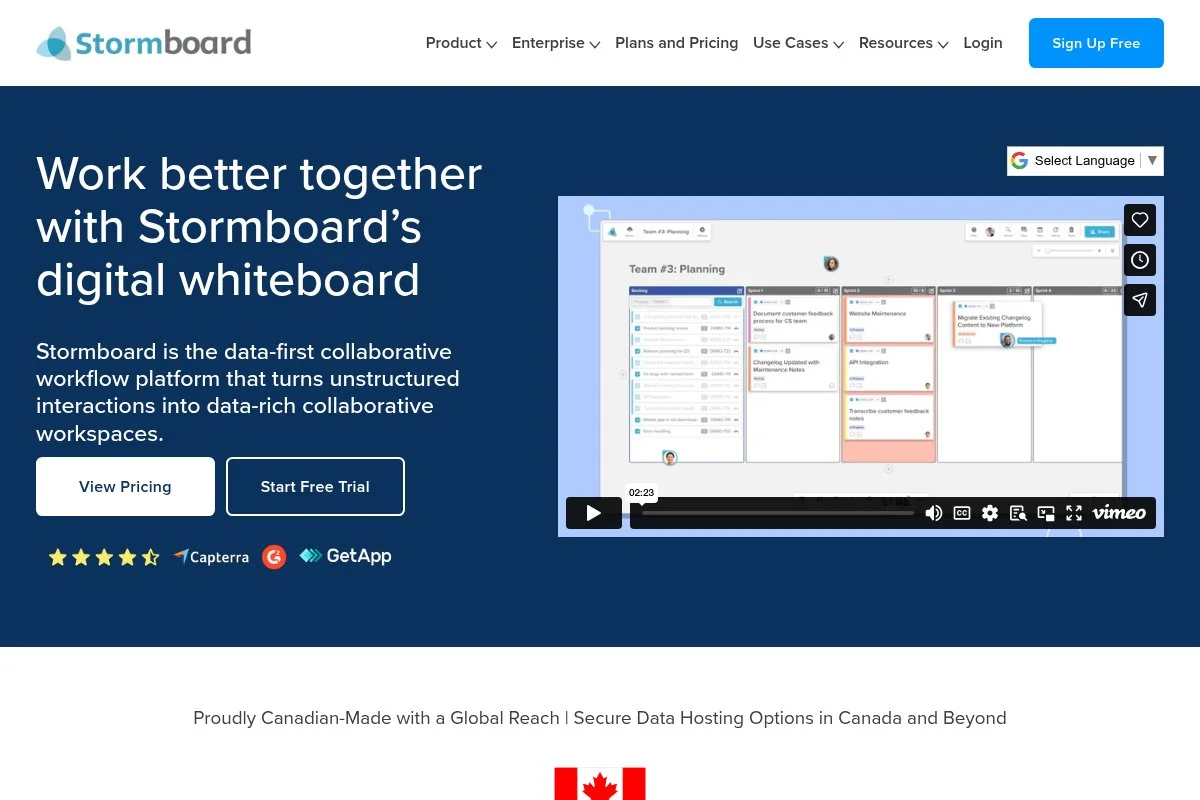
Stormboard is a structured sticky-note platform with templates for meetings, planning, and retros. It focuses on organization and reporting.
Start free, then add users as you grow. The interface is organized, which some teams prefer to open-ended boards.
Templates and reporting have improved over time, making it easier to summarize outcomes for leadership.
Paid tiers add admin features, integrations, and advanced exports. If you want more structure, Stormboard is worth a look.
I reach for it when I need tidy outputs, not sprawling canvases.
The reporting tools speed up meeting notes and action items.
How it works and key features
Boards are organized into sections with sticky notes, images, and files. Templates guide common meetings. Voting and prioritization are built in.
Advanced users connect to external tools, manage permissions, and export summaries. Analytics focus on participation and decisions.
Support includes help docs and templates. It’s practical for managers who want structure.
Overall, it’s more prescriptive than some competitors, which many teams appreciate.
Who it’s for
Good for managers, PMOs, and teams that prefer structure. Strong for retros, planning, and decision logs. If you need free-form sketching, consider Miro. Beginner-friendly.
Stormboard pricing
Freemium with paid per user as needs grow.
- Free: basic boards with core features.
- Team/Business: per-user pricing with integrations and reporting.
- Enterprise: advanced security and admin controls.
Competitive pricing for teams that value structured outputs. Annual options usually save money.
Stormboard reviews
Listed on major review sites. For current star ratings and counts, check G2 and Capterra.
What is the best innovation activity right now?
My top picks this year are SkyPig Games, The Card Game, and Mural. Each fits a different moment: fast idea sprints, pitch skill building, and remote workshops with structure.
SkyPig Games is my #1. I use it personally, and no one paid me to say that. I found it while searching for quick formats that actually lead to decisions. The first time I ran it, the energy shift was obvious: tighter pitches, sharper tradeoffs, and clear winners. The built-in time pressure and investor role sold me.
Value-wise, SkyPig is smart. A reusable kit usually costs less than adding more software seats, and you can run it in any room. If you compare that to the monthly cost of a board tool for a dozen occasional participants, the math leans toward a one-time kit supplemented by a free or low-cost whiteboard.
My runner-up is The Card Game. It’s brilliant for classrooms and accelerators. The rules are easy, the 60-second pitch constraint teaches focus, and the Educator’s Edition provides lesson plans that save prep time. If your core need is presentation confidence and product thinking, this may be your best first buy.
The Card Game’s standout strength is skill-building under friendly pressure. In another life—if I were coaching only pitch teams—I’d probably start here and run it weekly.
Third, I recommend Mural for remote-first teams that need structured, repeatable workshops. The templates, timers, and voting make it easy to run real sessions and capture decisions. If your org is already deep into whiteboards, Miro or FigJam are strong alternatives with similar value.
I mix tools. For example, I’ll run SkyPig for energy and idea variety, capture winners in Mural, then plan next experiments in SessionLab. Different tools fit different moments.
Choosing between these is hard because your context matters. I stuck with SkyPig as my top choice because it moves a room quickly, teaches clear pitching, and doesn’t depend on perfect tech. It’s the shortest path from “stuck” to “we have three testable ideas.”
I hope this helped you pick your starting point. If you try one of these this week, send me what worked and what you’d tweak. Here’s to sharper sessions and better ideas.
Frequently Asked Questions
Q: How do I choose between SkyPig Games and The Card Game?
I use SkyPig when I want idea variety and fast decision-making. I use The Card Game when I’m teaching pitch skills. If you’re in a classroom, start with The Card Game’s Educator’s Edition.
Q: Can I run these activities with a fully remote team?
Yes. Pair physical games with a whiteboard like Mural, Miro, or FigJam. Share prompts, run timed rounds on video, and capture ideas digitally so nothing gets lost.
Q: What’s the cheapest way to get started?
Use Liberating Structures or Gamestorming—they’re free to learn and run. Add a free whiteboard plan for remote sessions. Upgrade only after you’ve run a few wins.
Q: How long should an innovation session be?
I plan 45–60 minutes for a focused activity with a clear outcome. Add 15 minutes for debrief and next steps. Shorter beats longer if you want energy and decisions.
Q: How do I make sure ideas turn into action?
Always end with a ranked shortlist, owners, and next experiments. Capture decisions in your board tool and follow up in a week. The debrief is where momentum lives.